

Expert Guide Series
What's The Difference Between Usability Testing And User Testing?
You've spent months perfecting your mobile app—polishing every feature, tweaking the interface, making sure everything works exactly as planned. Then real users get their hands on it and suddenly they're struggling with things that seemed obvious to you. They can't find the search button. They abandon the checkout process halfway through. They leave frustrated reviews saying the app is confusing. Sound familiar?
This is where user testing and UX research become your best friends, and our usability and user testing methods explained guide is a great place to start. But here's where things get a bit muddled, as people often use terms like "user testing" and "usability testing" as if they mean the same thing. They don't. While both methods help you understand how people interact with your app, they serve different purposes and give you different types of insights.
The biggest mistake in digital design is assuming we know how users think—testing reveals the gap between what we design and what people actually need
Getting this wrong can be costly. You might run the wrong type of test and miss critical issues, or worse, make changes based on incomplete information. That's why understanding the difference matters so much. User testing helps you understand if people want your app and why; usability testing shows you if they can actually use it without getting frustrated. Both are part of solid UX research, but knowing when to use each method—or how to combine them—can make the difference between an app that users love and one that gets deleted after the first try.
What Is User Testing?
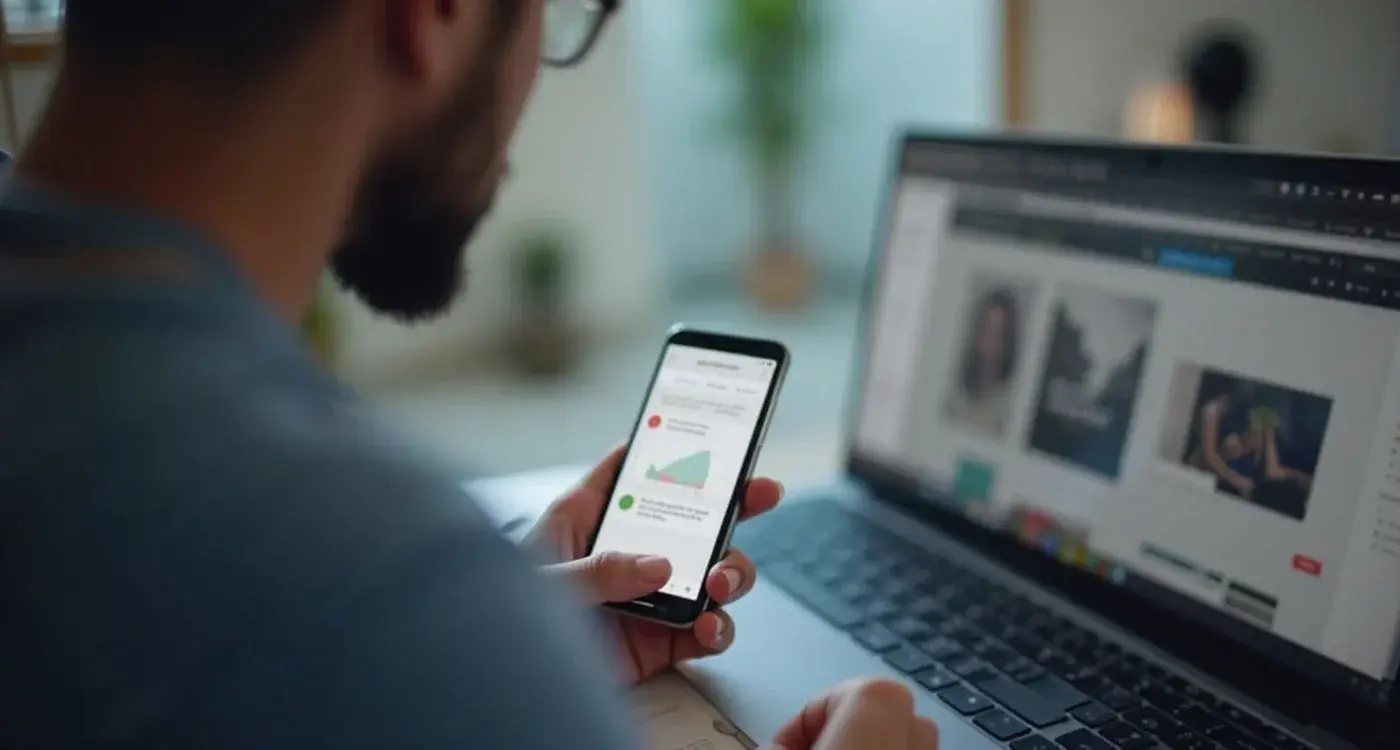
User testing is a research method where real people use your mobile app whilst you watch and learn from their behaviour. It's quite straightforward really—you give someone your app, ask them to complete specific tasks, and observe what happens. No fancy equipment needed; just you, them, and the app.
During user testing sessions, participants think aloud as they navigate through your app. They might say things like "I'm looking for the login button" or "I don't understand what this icon means." This running commentary gives you direct insight into their thought process and reveals problems you never knew existed.
What User Testing Reveals
The beauty of user testing lies in what it uncovers. You'll discover whether people can actually use your app the way you intended—and more importantly, whether they want to. Sometimes users find shortcuts you didn't plan for, or they get completely stuck on what seemed like a simple task.
User testing shows you the emotional side too. Do people feel frustrated? Confused? Delighted? These reactions matter just as much as whether they can tap the right buttons. After all, an app that works but annoys people won't succeed.
Types of User Testing
There are several ways to conduct user testing:
- Moderated sessions where you guide participants through tasks
- Unmoderated testing where users complete tasks independently
- Remote testing conducted over video calls
- In-person sessions in a controlled environment
- Guerrilla testing in public spaces like cafés or libraries
Each approach has its place depending on your budget, timeline, and what you're trying to learn. The key is actually doing it rather than spending ages debating which method is perfect.
What Is Usability Testing?
Usability testing is like giving your mobile app a proper health check—but instead of doctors, you're using real people to find out what's wrong. It's a research method where you watch actual users try to complete specific tasks in your app whilst you take notes on everything that goes right and, more importantly, everything that goes horribly wrong.
The main goal here is simple: figure out how easy or difficult your app is to use. You're not asking people what they think about your colour scheme or whether they'd recommend it to their mates. You're watching them navigate through your app and seeing where they get stuck, confused, or frustrated.
During a usability testing session, participants are given real tasks to complete—like "find the settings page" or "book an appointment for next Tuesday." You then observe their behaviour, noting where they hesitate, tap the wrong buttons, or give up entirely. The beauty of this method is that it reveals problems you never knew existed.
What You Learn From Usability Testing
Usability testing gives you concrete data about your mobile app's performance. Here's what you typically discover:
- Which buttons are confusing or hard to find
- Where users get lost in your navigation
- How long it takes to complete common tasks
- Which error messages don't make sense
- Where the user journey breaks down completely
Run usability tests with just 5-8 users—you'll catch about 80% of major problems without breaking the bank or spending months on research.
The real value comes from watching people struggle with things you thought were obvious. What seems logical to you as the creator might be completely baffling to someone using your app for the first time.
Design that understands your users
We build app experiences around real user behaviour, not assumptions. Research, psychology-driven design and technical specs that turn users into loyal advocates.
Key Differences Between User Testing and Usability Testing
Right, let's clear up the confusion once and for all. After years of working with digital experiences, I still see people mixing these two up—and honestly, it's no wonder why! The terms sound similar and they both involve watching people use your app. But here's the thing: they're actually quite different beasts.
What You're Actually Testing
User testing is like being a detective investigating your users' entire world. You're looking at who they are, what they need, and whether your app fits into their life at all. It's broad, exploratory, and sometimes you'll discover things that completely change your app idea. Usability testing, on the other hand, is much more focused—you're examining specific parts of your app to see if people can actually use them without getting frustrated.
Think of it this way: user testing asks "Should we design this?" whilst usability testing asks "Did we design this right?"
When They Happen in Your App Journey
The timing couldn't be more different. User testing typically happens early on when you're still figuring out your app concept, or later when you want to understand how people really feel about using it in their daily lives. You might not even have a working app yet—sketches and prototypes work fine.
Usability testing usually happens when you've got something concrete to test. Maybe it's a prototype, maybe it's a beta version, but you need actual interface elements that people can interact with. You're checking if your login process works smoothly or if people can find the search button without hunting around for five minutes.
When to Use User Testing for Your Mobile App
User testing works best when you need to understand the bigger picture of how people interact with your mobile experience. I find it most valuable during the early stages of design—when you're still figuring out what features matter most to your users and whether your app concept actually solves their problems.
Think about launching user testing when you want to explore user behaviour patterns rather than fix specific interface issues. It's brilliant for discovering why people download your app in the first place, what keeps them coming back, and what makes them delete it. You'll want to run user testing sessions when you're making major decisions about your app's direction or when you're unsure about which features to prioritise.
Pre-Launch Research
Before your mobile app is even designed, user testing can save you months of development time and thousands of pounds. Run sessions with potential users to validate your concept, understand their current pain points, and see how they currently solve the problems your app aims to address.
Understanding User Journeys
User testing shines when you need to map out complete user journeys across your mobile experience. Unlike usability testing, which focuses on specific tasks, this approach lets you observe natural user behaviour over longer periods.
The best time to conduct user testing is before you think you need it—waiting until problems arise means you've already missed valuable insights that could have shaped your entire app strategy
Your UX research strategy should include user testing whenever you're designing new features, entering new markets, or trying to understand why user engagement has dropped. It's the foundation that informs all your other testing methods.
When to Use Usability Testing for Your Mobile App
Usability testing becomes your best friend when you need to spot the problems that are stopping people from using your app properly. I've seen so many apps that look brilliant on paper but fall apart the moment real users try to navigate them—and that's exactly when usability testing shines.
Perfect Timing for Usability Testing
The sweet spot for usability testing is when you have something concrete for people to interact with. This could be a working prototype, a beta version, or even your live app that's already in the app stores. You need actual functionality because usability testing is all about watching people try to complete real tasks.
If users are struggling to find your checkout button, getting confused by your navigation menu, or abandoning their shopping cart halfway through—usability testing will show you exactly where things go wrong. It's particularly valuable when you're redesigning existing features or adding new ones to an established experience.
What Problems Does It Solve?
Usability testing excels at uncovering friction points that you never knew existed. Maybe your login process takes too many taps, or your search function doesn't work the way people expect it to. These aren't problems with your overall concept—they're problems with execution.
I always recommend usability testing before major launches or updates. There's nothing worse than releasing a new feature only to discover that half your users can't figure out how to use it properly. A few usability testing sessions can save you from those painful moments and the negative reviews that follow.
How to Combine Both Methods in Your UX Research
Here's the thing about user testing and usability testing—they work brilliantly together. Think of them as two sides of the same coin, each giving you different insights that paint a complete picture of your mobile experience's performance. Most successful apps use both methods at different stages of design and development.
Start with user testing early in your design process. This helps you understand what people actually want from your app and whether your core concept makes sense. Once you've got those fundamental insights, move into usability testing to fine-tune the details—how people navigate, where they get stuck, and what interface elements cause confusion.
Creating a Research Timeline
The best approach follows a simple pattern: user testing first, usability testing second, then repeat as needed. Run user testing when you're exploring ideas or adding new features. Switch to usability testing when you need to polish existing functionality or fix specific problems users are experiencing.
You can also run both types of research simultaneously with different groups of users. This gives you broader insights faster, though it does require more resources and careful planning to avoid overwhelming your team with data.
Making the Most of Your Data
When you combine both methods, look for patterns that appear across both types of testing. If user testing reveals that people want a specific feature, and usability testing shows they can't find it easily, that's a clear priority for your development roadmap.
Keep a shared document where all research findings live together. This makes it easier to spot connections between what users want and how they behave when actually using your mobile experience.
The key is being flexible with your approach. Some projects need more user testing, others need more usability testing—let your specific challenges guide your UX research strategy.
Conclusion
Right then—we've covered a lot of ground here, and I hope the differences between user testing and usability testing are now crystal clear. These two methods aren't competing against each other; they're actually perfect partners in creating brilliant mobile experiences that people genuinely want to use.
Think of it this way: user testing helps you understand whether you're designing the right thing, whilst usability testing makes sure you're designing that thing properly. You might discover through user testing that your fitness app users desperately want meal planning features—but then usability testing will reveal whether those meal planning screens are actually easy to navigate or if they're causing people to give up halfway through.
The real magic happens when you use both methods throughout your design process. But here's what many teams get wrong—they jump straight into development without laying the proper foundation of psychology-based design, user research, and experience strategy. That's where We Are Affective comes in. We craft the emotional experiences, design the psychology, and create the research-backed roadmap that any development team can then bring to life. Let's design your experience foundation.
Frequently Asked Questions
How many participants do I need for effective user testing?
For user testing, 5-8 participants typically uncover 80-85% of major usability issues. For broader user research exploring behaviours and motivations, you might need 8-12 participants to capture diverse perspectives and usage patterns.
What's the difference between moderated and unmoderated testing?
Moderated testing involves a researcher guiding participants through tasks and asking follow-up questions in real-time. Unmoderated testing allows users to complete tasks independently, often providing more natural behaviour but less detailed insights into their thought process.
Can I do user testing with prototypes or mockups?
Absolutely! User testing works brilliantly with prototypes, wireframes, and even paper sketches. Early testing helps validate concepts and user flows before investing in full development, saving significant time and resources.
How often should I conduct user testing during app development?
Ideally, test at key milestones: concept validation, after major design phases, before development, and before launch. Monthly testing during active development helps catch issues early when they're cheaper and easier to fix.
What tasks should I give participants during usability testing?
Focus on your app's core user journeys: signing up, completing key actions, finding important information, and checkout processes. Make tasks realistic and scenario-based rather than giving step-by-step instructions.
How do I recruit the right participants for testing?
Target your actual user demographic based on age, tech comfort level, and relevant behaviours. Use screening questions to ensure participants match your target audience and haven't been overly exposed to similar testing.
What's the best way to analyse and act on user testing results?
Look for patterns across multiple participants rather than isolated incidents. Prioritise issues that impact core user journeys or appear consistently. Create actionable recommendations with specific solutions, not just problem descriptions.
Related Articles
5 user testing methods that will save your app from failure
Users abandon apps within seconds, even when the functionality seems perfect. Success depends on...
by Simon Lee

What testing is required for banking apps?
Banking apps handle our most sensitive decisions, with each interaction carrying significant...
by Simon Lee