
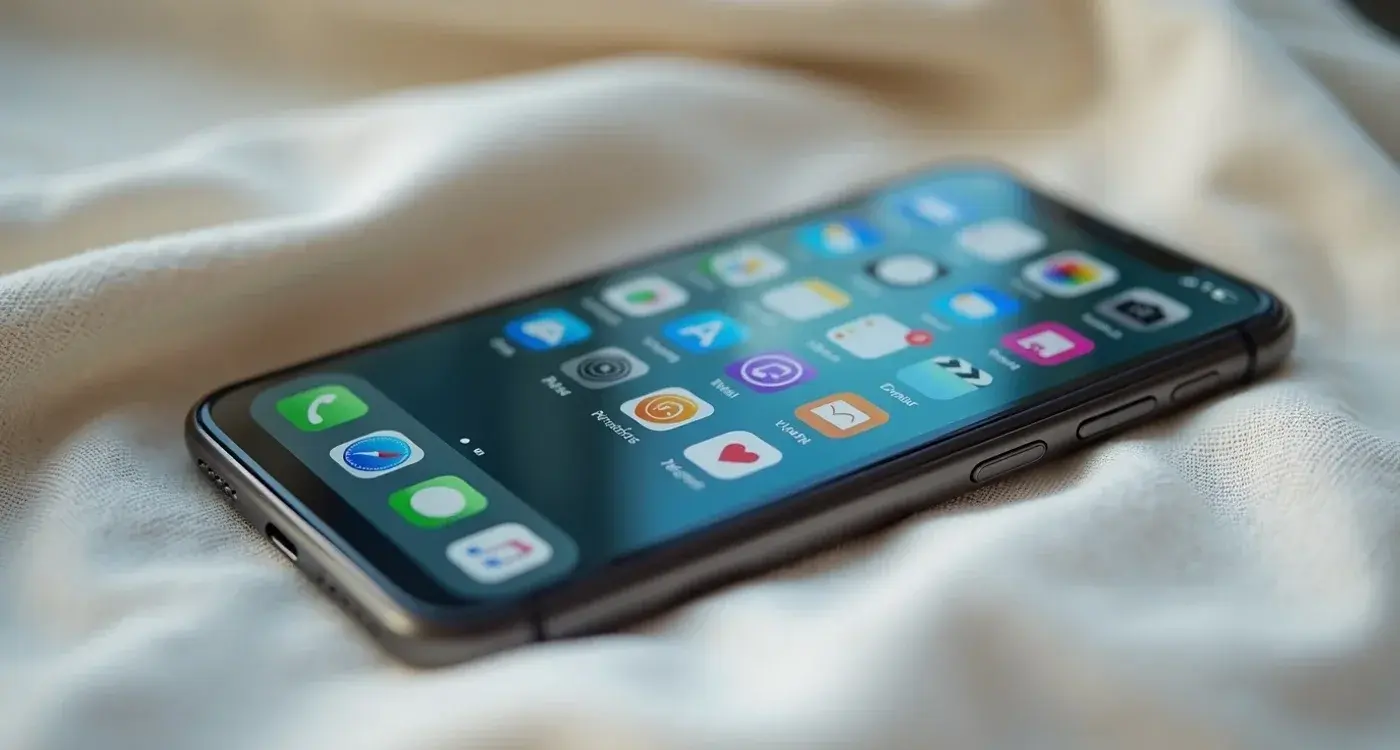
Expert Guide Series
Why Do Users Abandon My App Within Seconds?
Your app downloads look promising. Users find you, install your product, and open it for the first time. Then something goes wrong. Within seconds, they close the app and never return. The problem isn't your marketing or your app store listing. The issue lies in those critical first moments when users form their initial impression.
We see this pattern repeatedly across different industries and product types. Apps that seem functional and well-designed on the surface struggle with immediate abandonment rates that can reach 25% or higher. The culprit isn't always obvious technical problems or poor visual design. Often, it's more subtle psychological factors that create friction in those precious opening seconds.
Research shows that 72% of users abandon apps due to poor emotional connection.
Understanding why users leave so quickly requires looking beyond surface-level usability issues. The human brain makes rapid judgements about digital products, often before conscious thought kicks in. These split-second evaluations determine whether someone stays engaged or hits the back button. The good news is that once you understand the psychology behind these decisions, you can apply principles of first impressions and user activation to design experiences that keep people engaged from the very first interaction.
The Psychology of First Impressions
Within the first three seconds of using your app, users' brains make rapid judgements that happen largely outside conscious awareness. They're not actively thinking questions like "Does this look professional?" or "Is this competently made?" but they're feeling the answers to those questions. This immediate impression phase operates on pure visual and emotional response.
During this brief window, users evaluate whether your app appears trustworthy, modern, and capable of solving their problem. The visual hierarchy, colour choices, typography, and overall layout all contribute to this instant assessment. If something feels off, even in subtle ways, doubt begins to creep in immediately.
The Orientation Challenge
Between three and ten seconds, users enter what we call the orientation phase. They're trying to understand what space they're in, what the app does, and what they should do next. Three critical questions need answering quickly: "Where am I?", "What is this?", and "What should I do next?"
Make your app's primary function obvious within the first screen. Users should understand what they can accomplish without reading lengthy explanations or hunting through menus.
When these questions aren't answered through clear visual hierarchy and obvious routes through the product, anxiety either begins to develop or escalates if users already entered your app feeling stressed. This anxiety compounds quickly, making every subsequent interaction feel more difficult than it actually is.
Cognitive Overload and Information Architecture
One of the most common mistakes we encounter involves cramming too much information onto initial screens. Teams often believe that showing everything upfront demonstrates value, but this approach typically backfires by overwhelming users before they've had chance to understand the basics.
The human brain can only process a limited amount of information at once. When faced with too many options, features, or pieces of data simultaneously, people often choose to leave rather than invest mental energy in sorting through complexity. This isn't laziness. It's how our cognitive systems protect us from overload.
Strategic Information Revelation
A practical technique involves questioning every single piece of information on your opening screens. Consider the use case, the user's emotional state, and whether each element adds genuine value or simply creates complexity. If information can be introduced at a more appropriate point in the journey, move it there rather than displaying everything immediately.
Start with the absolute minimum information users need to take their first meaningful action. Additional features and options can be revealed progressively as people become more familiar with your app.
Progressive disclosure works because it respects the natural learning process. Users build confidence through small successes before tackling more complex features. When you front-load complexity, you're asking people to understand everything before they've experienced any value.
UX/UI design built around real psychology
We design app interfaces around how people actually think and behave. User research, psychology-driven UX/UI design and technical specs delivered as one complete package.
Emotional States at Point of Entry
Understanding what happens before somebody uses your app is absolutely critical for creating effective user experiences. The user journey begins well before they tap your app icon. Their emotional state when entering your product significantly influences how they interpret every interaction that follows.
The user experience starts before somebody actually begins using the app.
Consider the context that brings people to your product. Are they frustrated with a current solution? Excited about trying something new? Stressed about solving an urgent problem? Anxious about making the wrong choice? Each emotional state requires different design approaches to create successful onboarding experiences.
Alleviating vs Increasing Anxiety
Every piece of language in your app either reduces anxiety or amplifies it. There's rarely neutral ground. Words that seem innocuous to your team might trigger stress responses in users who are already feeling uncertain. Similarly, interactions that feel smooth to internal testers might feel confusing to people experiencing your product for the first time.
Language choices become particularly important during onboarding sequences. Terminology that makes sense within your company culture might feel foreign or intimidating to newcomers. Simple changes in phrasing can transform experiences from anxiety-inducing to confidence-building.
The Role of Micro-Interactions
Small interactions often make the biggest difference in user retention. The way buttons respond to touches, how screens transition between states, and the feedback users receive after taking actions all contribute to their overall impression of your product's quality and responsiveness.
Sluggish interactions create immediate negative impressions. When users tap something and don't receive prompt visual feedback, they often assume the app has frozen or their touch wasn't registered. This leads to repeated tapping, frustration, and ultimately abandonment. Smooth, responsive micro-interactions signal competence and attention to detail.
Loading States and Feedback
How you handle moments when your app needs time to process requests greatly influences user patience and satisfaction. Empty screens or spinning wheels without context create anxiety about whether anything is actually happening. Users need reassurance that their request was received and progress is being made.
Always provide immediate feedback when users take actions. Even if processing takes time, acknowledge their input instantly and show clear progress indicators.
Consider framing loading periods positively. Instead of making users wait without context, explain what's happening behind the scenes. "Finding the best matches for you" feels different from a generic loading spinner, even if the wait time is identical.
Measuring Emotional Engagement
Traditional analytics tell you what users do but not how they feel while doing it. Understanding emotional engagement requires looking beyond click-through rates and session duration to examine the quality of user interactions and the emotional journey through your app.
Early abandonment patterns often reveal emotional friction points that standard metrics miss. If users consistently leave at specific screens or after particular interactions, those moments deserve deeper investigation. The issue might not be technical functionality but emotional disconnect.
Behavioural Signals of Emotion
User behaviour provides clues about emotional states. Rapid, erratic navigation often indicates frustration or confusion. Long pauses before taking action might suggest uncertainty or cognitive overload. Immediate exits after specific screens reveal potential anxiety triggers.
Look for patterns in how users interact with your onboarding sequence. Do they rush through certain sections? Hesitate before providing information? Abandon after encountering specific features or requests? These behaviours help identify where emotional friction occurs.
Session recordings and user testing provide qualitative insights that complement quantitative data. Watching real people use your app reveals moments of confusion, delight, or frustration that numbers alone cannot capture.
Building Products People Connect With
Moving from functional to emotional design requires thinking about your product as a person rather than a collection of features. Imagine how that person talks, what they would say, how they would behave in different situations, and really picture your product as an individual with personality and character.
Once you've established this character, judge every interaction against it. Does the tone of voice match your product's personality? Do the visual choices reflect the character you've defined? If interactions feel inconsistent with your product's persona, they need revision.
The Dinner Party Test
A useful exercise involves imagining your product at a dinner party. How does this person speak? How do they enter the room? What do they talk about? Who do they connect with? Do people gravitate towards them naturally, or are they the loudest person demanding attention?
This framework helps teams realise that emotional design extends far beyond visual aesthetics. Every touchpoint must embody your product's character, from the copy in error messages to the timing of notifications. Consistency in personality builds trust and emotional connection.
Create a character description for your product and refer to it when making design decisions. This ensures consistency across all user interactions and touchpoints.
Conclusion
User abandonment in those critical first seconds rarely stems from single obvious problems. Instead, it results from accumulated friction across multiple psychological and emotional dimensions. Understanding these factors requires looking beyond surface-level usability to examine the deeper human responses your product triggers.
The good news is that small, thoughtful changes often yield significant improvements in retention. Adjusting language to reduce anxiety, improving micro-interaction responsiveness, or simplifying initial information architecture can dramatically impact user engagement. The key lies in recognising that every design decision carries emotional weight.
Remember that users' emotional states begin forming before they even open your app. Their expectations, stress levels, and contextual needs all influence how they interpret your design choices. By acknowledging and designing for these emotional realities, you create products that feel intuitive and welcoming rather than confusing or intimidating.
Building products people truly connect with requires moving beyond functional requirements to embrace emotional design principles. When your app feels like a helpful, understanding companion rather than a sterile tool, users naturally want to continue the relationship. Let's talk about your user retention challenges and explore how emotional design can transform your first-use experience.
Frequently Asked Questions
What percentage of users typically abandon apps within the first few seconds?
App abandonment rates can reach 25% or higher within the first few seconds of use. Research shows that 72% of users abandon apps due to poor emotional connection rather than obvious technical problems.
Why do users leave apps so quickly when there aren't any obvious technical issues?
The problem often lies in subtle psychological factors rather than technical glitches. Users' brains make rapid judgements within the first three seconds that happen largely outside conscious awareness, evaluating whether the app appears trustworthy, modern, and capable of solving their problem.
What are the three critical questions users need answered in the first few seconds?
During the orientation phase (3-10 seconds), users need to quickly understand: 'Where am I?', 'What is this?', and 'What should I do next?'. If these questions aren't answered through clear visual hierarchy and obvious navigation, users begin to feel anxious and may abandon the app.
How can I make my app's purpose immediately clear to new users?
Make your app's primary function obvious within the first screen without requiring lengthy explanations or menu hunting. Users should understand what they can accomplish through clear visual design and straightforward navigation paths.
Is showing lots of features upfront a good way to demonstrate my app's value?
No, cramming too much information onto initial screens typically backfires by overwhelming users. The human brain can only process limited information at once, and too many options often cause people to leave rather than invest mental energy in sorting through complexity.
What design elements affect users' first impressions of my app?
Visual hierarchy, colour choices, typography, and overall layout all contribute to users' instant assessment. These elements help determine whether your app appears trustworthy, modern, and professionally made during those critical first three seconds.
How should I approach information architecture for new user onboarding?
Use strategic information revelation by questioning every piece of information on your opening screens. Consider the user's emotional state and use case, ensuring each element adds genuine value rather than creating unnecessary complexity.
Can first impression problems be fixed once I understand what causes them?
Yes, once you understand the psychology behind users' rapid decision-making, you can design experiences that keep people engaged from the first interaction. The key is addressing both the immediate visual impression and the orientation phase effectively.
Related Articles

Why do our new users drop off during onboarding?
We see it time and again. Companies launch their product with enthusiasm, watch new users sign up...
by Simon Lee
Why are my app users leaving bad reviews instead of contacting support?
Your app has thousands of downloads, solid functionality, and regular updates. Yet your App Store...
by Simon Lee