
Expert Guide Series
Offline functionality: When your app needs to work without wifi
Simon was at an airport, boarding pass already downloaded to his phone, when the connectivity dropped. The flight app showed a 'no connectivity' error and locked him out entirely. The ticket was there, sitting on the device, but the app refused to show it. What followed was a manual verification process, a handwritten ticket, and a journey that started with unnecessary stress. The data existed. The app just would not let him reach it.
The data was already there, the app just would not let him reach it.
That distinction matters more than most product teams realise. Offline functionality is not about building an app that works in a bunker with no signal for a week. It is about understanding which parts of your product hold data the user already has, and which parts genuinely need a server to function. Getting that wrong does not just frustrate users. It breaks trust at the exact moment they needed you most.
Connectivity is not reliable. Airports, underground stations, remote hiking trails, conference venues with overloaded wifi, rural roads between towns, these are all ordinary places where ordinary people use apps. Building as though everyone is always on a fast, stable connection produces products that look fine in testing and fail in the field. This article covers how to think about offline support, what to build, what to skip, and what happens when you get it wrong.
Why connectivity loss hits hardest at the worst moments
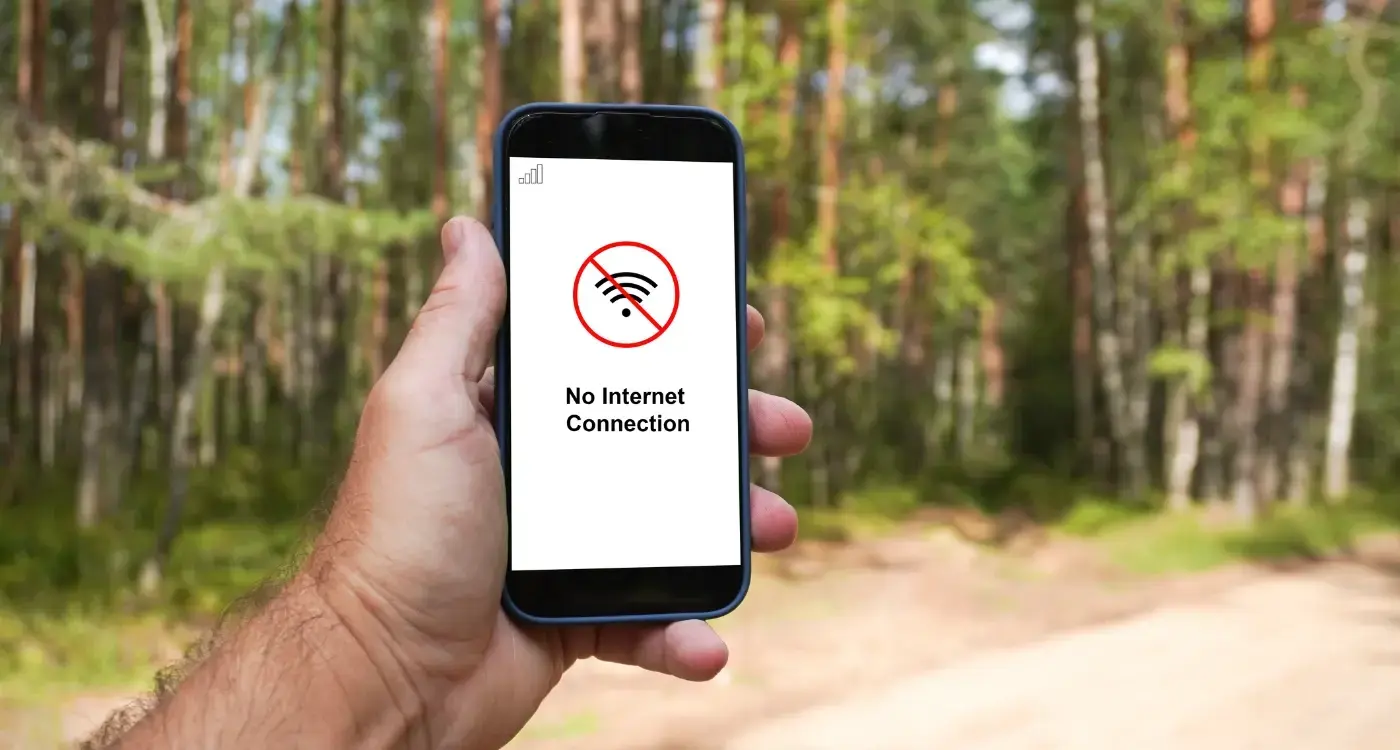
Connectivity drops at the worst times because the worst times are the times you are moving. Sitting at a desk with a cable in the wall, you rarely think about signal. Rushing through an airport, navigating a foreign city, standing at a trailhead about to head into the wilderness, that is when you pull out the app, and that is when the bars disappear.
Stress compounds the problem. A person who cannot find their boarding pass is already anxious. Add a 'no connectivity' screen and the anxiety spikes. This is not a minor UX inconvenience. The cognitive load of troubleshooting a broken app on top of an already pressured situation is genuinely damaging, and the memory of it sticks. Users do not remember that the airport wifi was bad. They remember that the app failed them.
Travel products are the clearest example because the stakes are high and the connectivity is unreliable by design. We worked with a travel product used for exotic holidays and backpacking in remote wilderness areas. The app required an internet connection for essential functions, map search, saved pins, tickets, itineraries, location times. In remote locations, it displayed a 'not connected' error and became completely unusable. For someone relying on it in the field, that is an absolute disaster. The timing of the failure is structural, because the moments of heaviest use are the moments of weakest signal.
The difference between data that exists and data you can reach
There is a category of offline failure that is particularly hard to forgive, and it is the one where the data is already on the device. Simon's boarding pass was downloaded. The app had it. But the product was architected in a way that wrapped every screen in a connectivity check, so even accessing cached, static information required a live connection. The check failed, the screen blocked, and the data sat inaccessible inside a product that had technically already done its job.
This distinction between data that exists and data you can reach is the first thing to untangle when thinking about offline support. Two questions do that work. First: does this feature need a server round trip, or can it run on what is already cached? Second: how frequently does this data change? A boarding pass does not change. An itinerary does not change. A saved map tile does not change. None of these need a live connection to display.
Transactional features are different. Making a new booking, processing a payment, updating a reservation, these genuinely require a server. Blocking access to them offline is reasonable. But blocking access to information the device already holds is a different failure entirely, and it is the one that produces the most damage, because the user has every right to expect that data to be there.
UX/UI design built around real psychology
We design app interfaces around how people actually think and behave. User research, psychology-driven UX/UI design and technical specs delivered as one complete package.
Which features must work offline and which can wait
The right way to sort this is to map your user journey against two axes: stress level and server dependency. High-stress moments with low server dependency are your offline-first priorities. Low-stress moments with high server dependency can fail gracefully and wait.
For a travel product, the priority list builds itself fairly quickly. Tickets, boarding passes, saved itineraries, downloaded maps, booking references, these are passive consumption features. The user is reading, not writing. The data is static or changes rarely. These must work offline.
High-stress moments with low server dependency are your offline-first priorities.
Transactional features, making a new booking, changing a reservation, processing a payment, require a server and can say so clearly when one is not available. A well-worded message that tells the user their action will be completed when connectivity returns is far better than a silent failure or a crash.
| Feature type | Server required? | Offline approach |
|---|---|---|
| Tickets and boarding passes | No | Cache on download, display always |
| Saved itineraries | No | Store locally, read offline |
| Downloaded maps | No | Tile cache, degrade gracefully at zoom |
| New bookings | Yes | Fail with clear message or queue |
| Payments | Yes | Block with explanation |
The use case shapes the priority. A hotel booking app serving well-connected urban destinations has a different calculus than a backpacking app for remote wilderness areas. The question is where your users actually are when they most need the product, and what signal looks like there.
How to architect an app around intermittent connectivity
On a travel product we built for younger backpackers visiting off-grid locations, unreliable connectivity was not an edge case. It was a core design constraint from the start. We rethought the architecture around four principles. First, decide what information can be stored offline. Second, decide what has to remain online. Third, work out how to queue offline actions and replay them once reconnected. Fourth, minimise the data sent between the app and the server to make the most of any available bandwidth.
Anything that could be baked into the product was. Content that needed to travel across the network was kept as lightweight as possible. The result was a product that could function offline where feasible and made efficient use of limited or intermittent connectivity when signal was available.
The architecture question is not "how do we add offline support?" It is "what does this app need to do, and which of those things genuinely requires the network?" Answering that early changes the build substantially. Retrofitting offline capability into an app designed around persistent connectivity is expensive and often incomplete. The travel app that required internet for everything, maps, pins, tickets, itineraries, had to be rebuilt from a structural level when the product expanded into remote trip types. Starting from the connectivity constraint produces a better, more resilient product than bolting offline support on afterwards.
Decide your offline data strategy before you write the first line of code. Retrofitting it later costs significantly more than designing for it upfront, and the result is usually incomplete.
Graceful degradation: keeping the experience usable when data is partial
Graceful degradation means the product stays usable as conditions worsen, rather than collapsing to a blank screen the moment something is missing. Google Maps is the clearest public example of this done well. When you zoom into street level without having downloaded that area, you do not see an error. You see a lower-resolution view, with clear signposting that the detail has not loaded. Zoom out and a usable overview is always there. The experience degrades with the data, rather than failing entirely.
Poor offline UX works the opposite way. Apps that fail silently, no error state, no cached fallback, just a blank screen with a loading spinner or sometimes nothing at all, leave users with no information about what is happening or what to do. The spinner implies the data is coming. When it does not arrive, the user has no idea whether to wait, refresh, check their signal, or give up.
The design task is to make the degraded state as informative as the full state. Tell the user what they can and cannot do. Show them the data you have, even if it is older. If a refresh would help, say so and offer it. If connectivity is required for this specific action, say that clearly rather than presenting a loading animation that never resolves.
Design your empty states and error states with the same care as your primary screens. A user without connectivity sees those screens more than any other.
Queuing actions and syncing when connection returns
Some offline failures concern actions the user wants to take while disconnected. Logging a workout, saving a note, updating a preference, flagging something for later. If those actions simply disappear because there was no signal, the user learns not to trust the product. If they are queued and replayed when connectivity returns, the product feels reliable even in poor conditions.
Queuing is not the right solution for every action. Payments and bookings carry enough risk that queuing them silently would be worse than blocking them with a clear explanation. But for lower-stakes writes, content saves, preference updates, notes, a queue-and-sync approach is often the right call.
The implementation details matter here. The user needs to know their action was captured. A visual confirmation that says something like "saved, will sync when connected" is the minimum. Without it, the user will often repeat the action, which creates duplicates when sync runs. The sync itself also needs conflict resolution logic for cases where the server state has changed while the user was offline.
On the backpacker travel product, queuing offline actions and replaying them on reconnection was one of the four core architectural principles we built around from the start. It was not an afterthought. The kinds of trips those users were taking, remote, off-grid, with sporadic signal, made it a basic requirement of the product working at all.
When queuing an offline action, always confirm it visually to the user. A silent queue produces duplicate submissions when users repeat what they think did not register.
When offline functionality is not worth building
Offline support is not always the right investment. Building it takes time, adds architectural complexity, and requires ongoing maintenance. If the use case does not warrant it, that budget is better spent making the core experience exceptional.
Two questions determine whether offline support is genuinely necessary. First, what is the use case and where are users when they most need the product? A hotel booking app serving city centre properties in well-connected markets is a different product from a wilderness navigation tool. If your users are reliably online when they use the product, offline investment is a low-return feature. Second, what level of offline support is actually needed? Basic cached data retrieval is far simpler than queuing transactional changes to replay later. Most products only need the former, if they need offline support at all.
The product strategy risk is spending limited budget on offline capability at the expense of quality elsewhere. A product that does a few things extremely well will retain users far better than one that attempts more, including offline support, and delivers all of it at a mediocre level. According to Appwrk, approximately 20% of mobile app crashes are directly linked to network problems. But a product that does not attempt to handle network conditions at all, because its use case does not demand it, will not produce those crashes either. The decision to build offline support should follow the use case, not precede it.
How poor offline handling drives crashes and abandonment
When an app hits a network problem without any handling logic, two things can happen. The app crashes, or it fails silently and the user abandons it. Both outcomes are measurable and both are recoverable from, but only if the product team understands what caused them.
App store reviews are one of the clearest signals. Any travel product that blocks access to tickets, boarding passes, or itinerary information that is static and should not require connectivity is building a one-star review machine. That information does not change. The user already has it. Refusing to display it because of a connectivity check is the kind of failure that produces the worst possible feedback, because the user expected basic reliability and got the opposite.
The abandonment risk is significant. Users who have a bad first experience with a product tend not to come back, and a failure at a high-stress moment, exactly when the product should be most useful, is one of the most memorable bad experiences a product can deliver. Simon's boarding pass incident is a small example of a pattern that plays out across travel products at scale: the app fails at the moment of peak need, the user forms a lasting negative impression, and they either switch to an alternative or avoid digital entirely for that journey type.
- Audit which screens run connectivity checks and remove them where the data is already cached.
- Add meaningful error states to every screen that genuinely requires a connection.
- Test on real devices in real low-signal environments before launch, not just in the emulator.
- Monitor crash reports filtered by network-related errors to find the worst failure points quickly.
Conclusion
Offline functionality is a structural decision that shapes how an app is built from the ground up. Getting it wrong in a travel product, a fitness app, or any product that goes with users into the world produces failures at the worst possible moments, and those failures are remembered.
The core discipline is separating data that exists on the device from data that genuinely requires a server. An app that locks users out of both when connectivity drops has compounded the problem, and that is the failure worth fixing first. Cache what is static. Show what you have. Queue what can wait. Block what genuinely needs a server, but do it with a clear explanation rather than a spinner that never resolves.
Whether offline support is worth building depends on where your users are and what they need the product to do when they are there. A wilderness backpacking tool needs a fundamentally different architecture than a city hotel booking service. The question is not whether offline support is a good idea in general. The question is what your users are doing when they most need you, and what their connectivity looks like in that moment.
If you are building a product that travels with its users, or redesigning one that has been failing them in the field, let's talk about your offline strategy.
Frequently Asked Questions
What does offline functionality actually mean for an app?
Offline functionality means ensuring your app can still serve users when their internet connection drops or becomes unreliable. It is not about building for extreme scenarios. It is about identifying which data the user already has on their device and making sure they can still access it without needing a live server connection.
Why do apps so often fail at the worst possible moments?
Connectivity tends to drop when people are on the move, such as at airports, on underground trains, or in remote areas, and those are exactly the moments when they need their apps most. Stress compounds the problem, because a user who cannot access a boarding pass or map is already under pressure, and a broken app makes that significantly worse.
What is the difference between data that exists and data you can reach?
Some apps wrap every screen in a connectivity check, meaning even data that has already been downloaded to the device becomes inaccessible when the connection drops. A boarding pass, a saved itinerary, or a cached map tile does not need a server to be displayed. Blocking access to it is an architectural choice, not a technical necessity.
How should a product team decide which features need to work offline?
The key questions are whether a feature requires a live server round trip, and how frequently the underlying data changes. Static or rarely changing content, such as tickets, itineraries, and saved pins, can almost always be served from a local cache. Features that genuinely depend on real-time data, such as live pricing or availability, are more reasonable candidates for requiring connectivity.
What kind of products are most at risk from poor offline support?
Travel and outdoor apps are the clearest examples, because their users are frequently in places with poor or no signal, such as remote wilderness areas, foreign cities, or rural roads. The problem is structural: the moments of heaviest use are often the moments of weakest connectivity, so the cost of getting offline support wrong is particularly high.
What damage can a connectivity failure do beyond the immediate inconvenience?
Users tend not to blame the network when an app fails them. They blame the app, and they remember it. Trust is broken at precisely the moment it mattered most, which makes the reputational damage disproportionate to what might look like a minor technical oversight.
Is it realistic to test for offline scenarios during normal app development?
Most testing environments involve stable, fast connections, which means connectivity failures are rarely caught before launch. Building offline support requires teams to deliberately test under degraded conditions and to think architecturally about caching from the outset. Retrofitting it later is significantly harder than designing for it early.
What is the first practical step a team should take to improve offline support?
Start by auditing each feature and asking whether it genuinely requires a server call or whether it could run on cached data. Prioritise protecting the features users are most likely to need in high-stress, low-connectivity situations. Even small changes, such as allowing a downloaded ticket to display without a connectivity check, can meaningfully reduce user frustration.
Related Articles
Can Wearable Apps Work Independently Without a Phone?
Nearly 1 in 2 people wear a smartwatch regularly, according to a ValuePenguin survey, and the...
by Simon Lee

IoT is making big waves in retail and changing the way consumers shop
Walk into a well-run fitness store today and the shelf knows which protein tub is running low. The...
by Simon Lee